 TeXBB
TeXBBLaTeX
BlackBoard
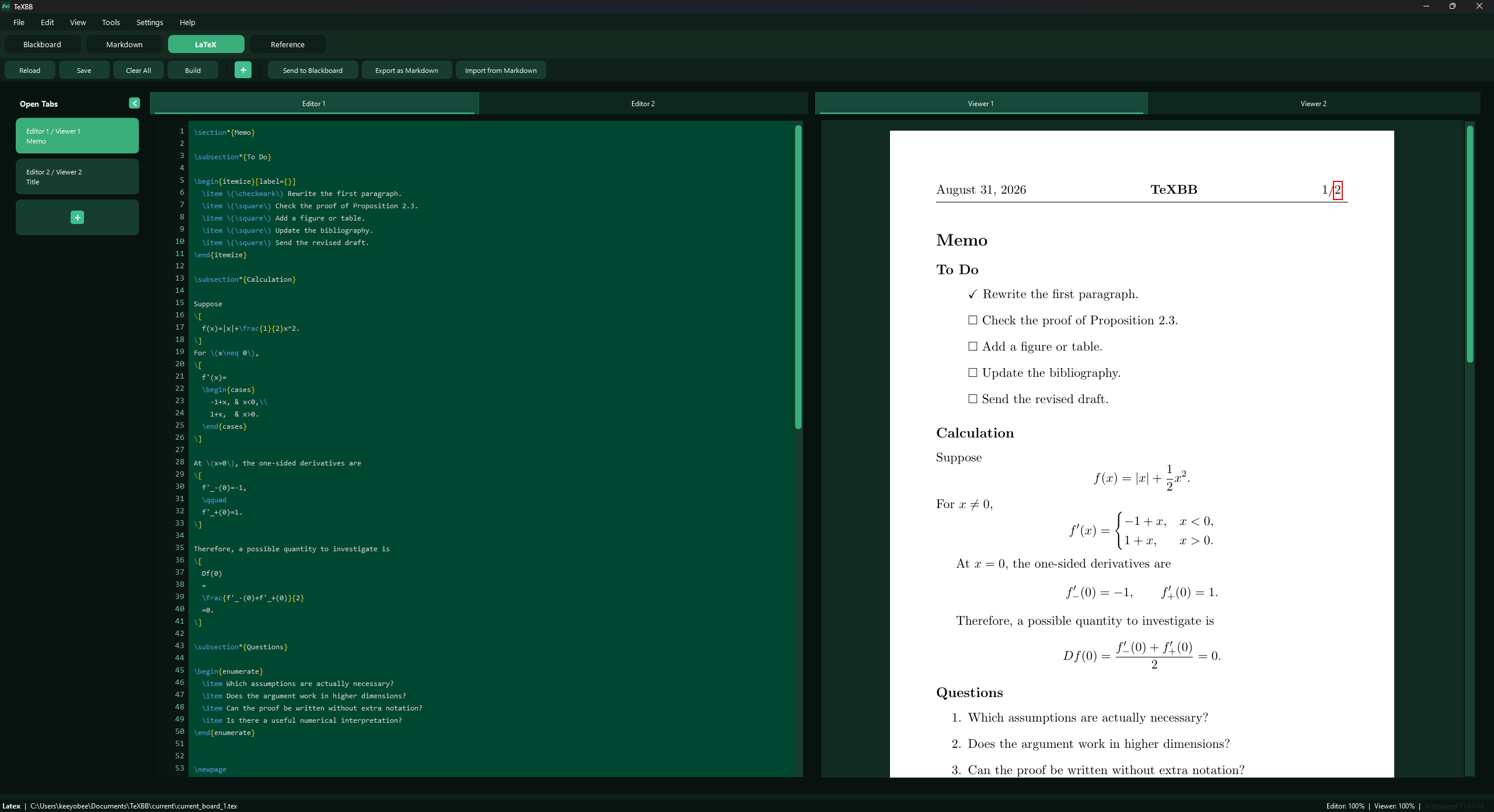
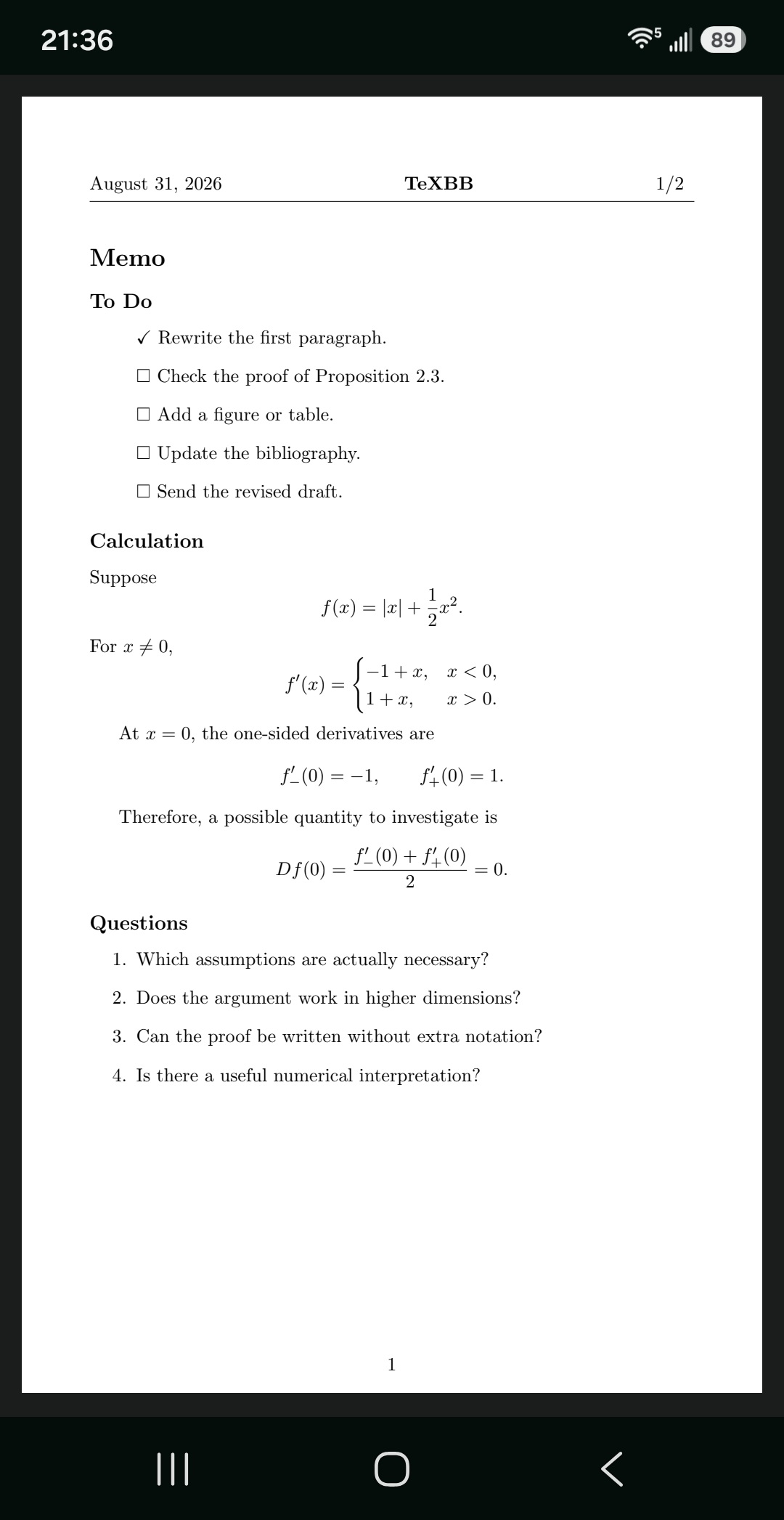
A lightweight LaTeX editor and viewer with BibTeX and Markdown support, designed for efficient memory use and easy viewing on your Android phone.
- One-time purchase
- Free Android app
- No ads
- No subscriptions
Who is TeXBB for?
- For anyone writing mathematical or technical documents in LaTeX.
- For anyone who uses a memory-heavy editor and needs a lightweight digital scratchpad for quick notes and calculations.
Features
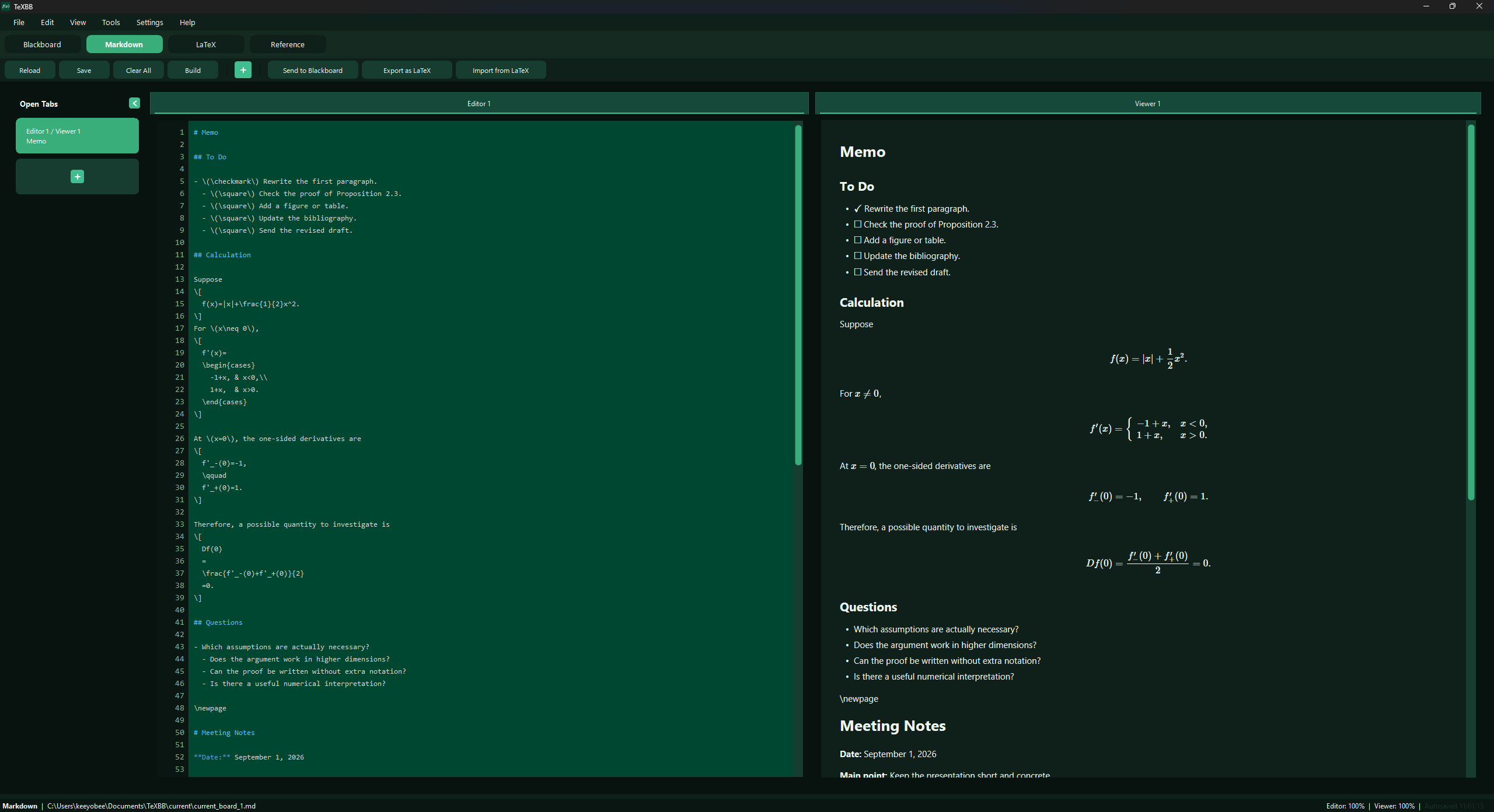
Lightweight LaTeX
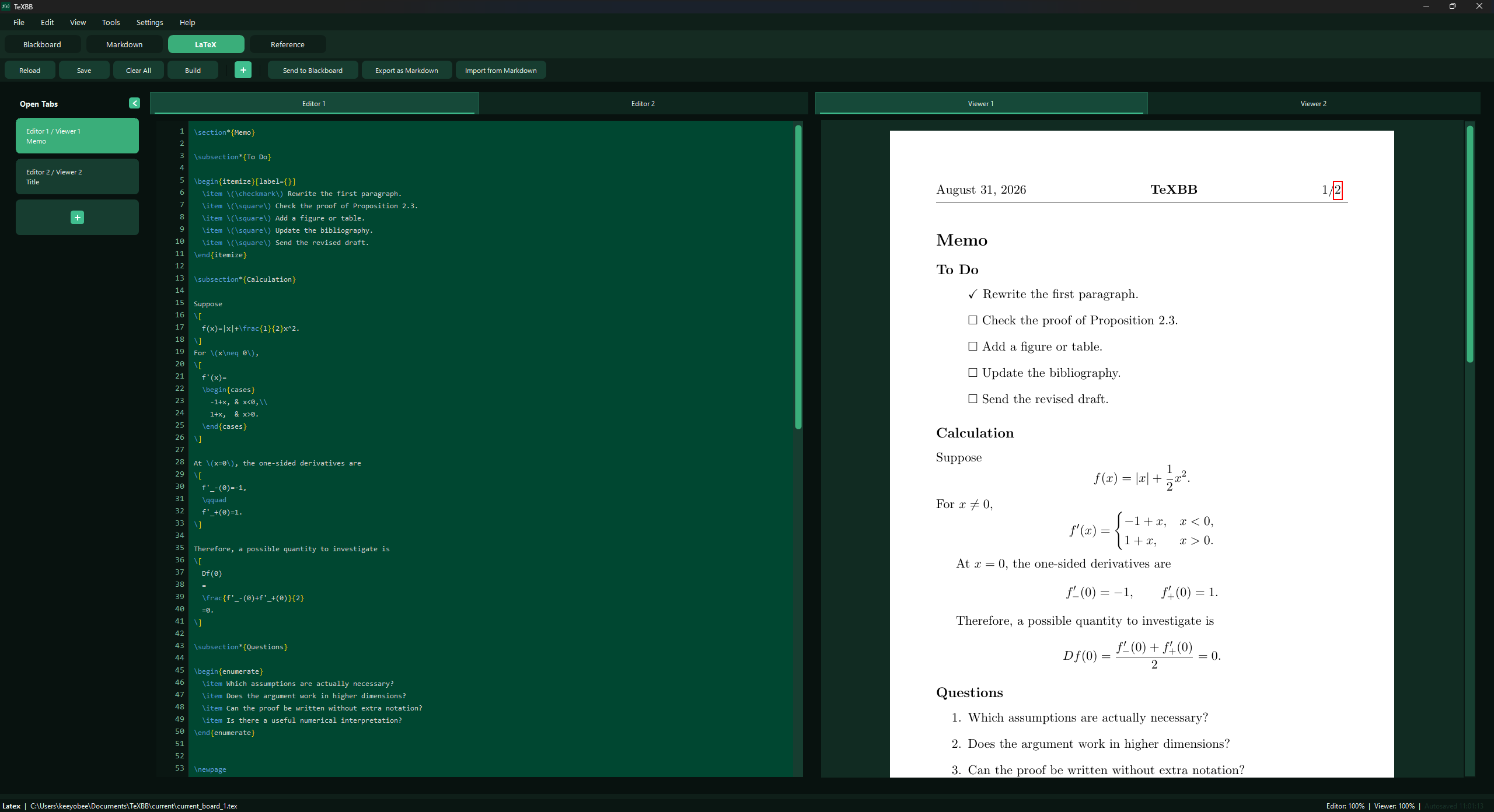
Edit LaTeX documents with optional automatic compilation and PDF previews. Keep multiple documents open in tabs, or open a separate viewer window to review your work alongside the editor.
Requirement: LaTeX compilation requires a separately installed TeX distribution, such as MiKTeX or TeX Live.
Lightweight Markdown
Write Markdown notes with mathematical notation and live previews.
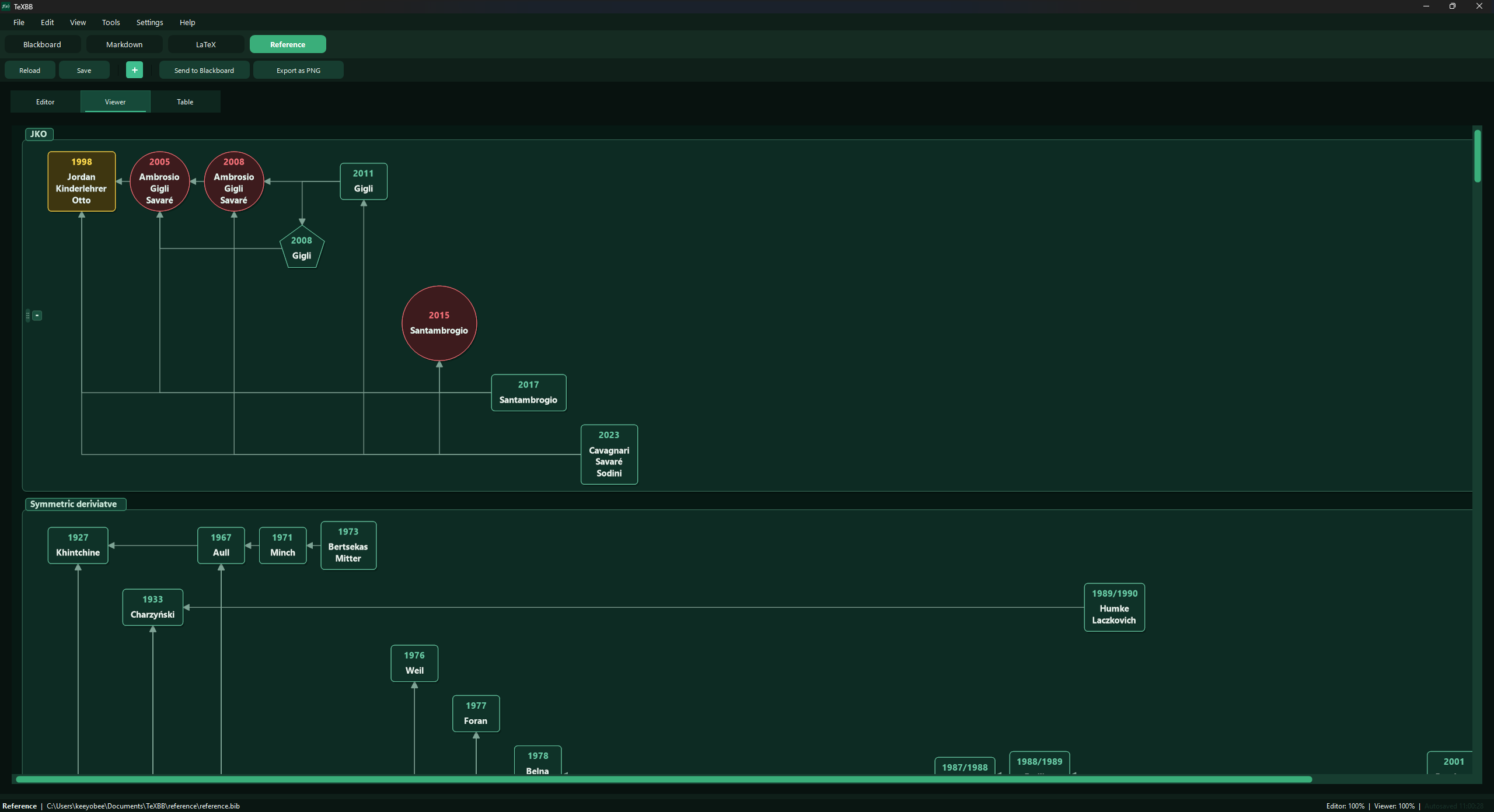
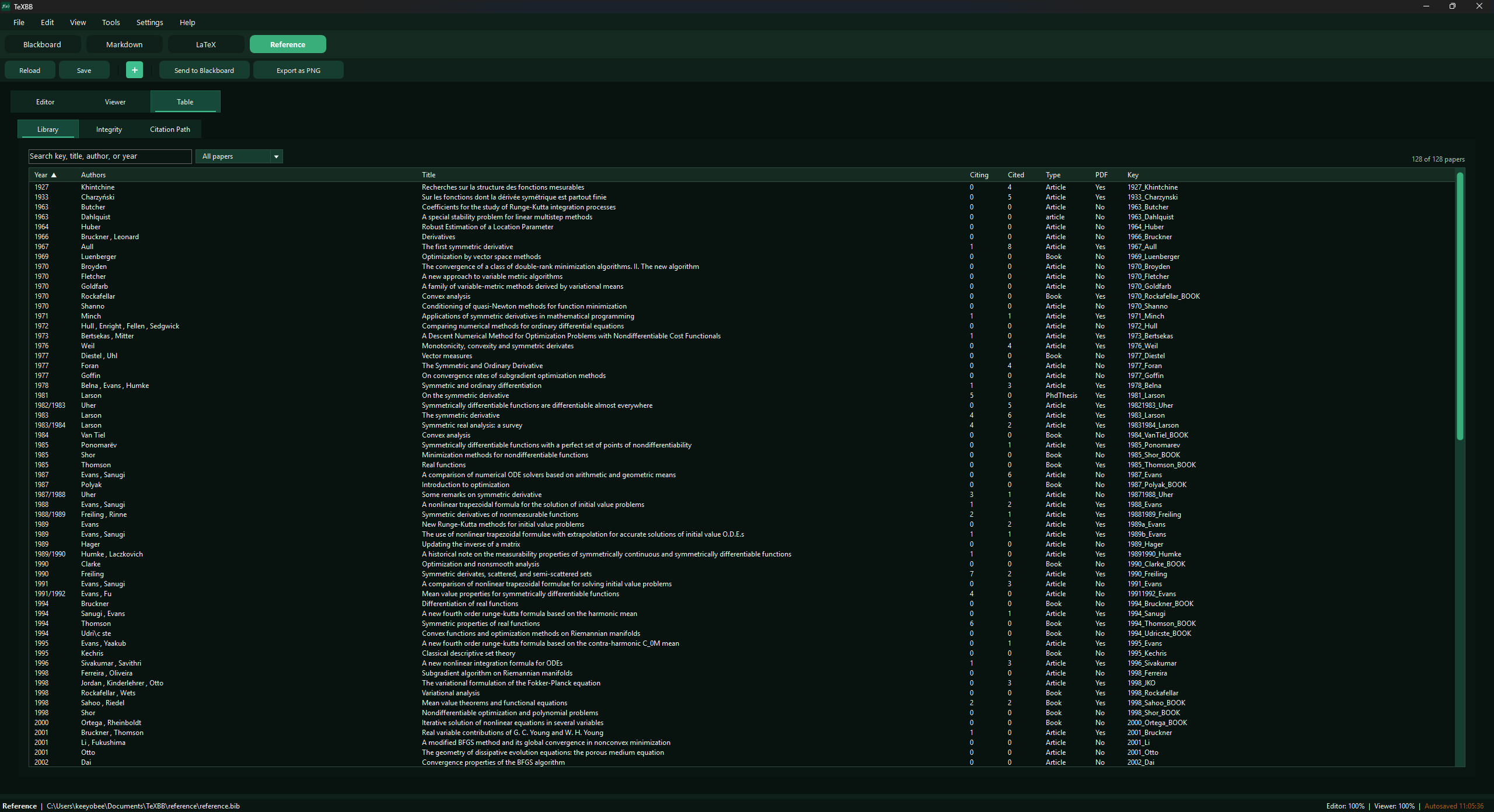
Reference management using BibTeX
Import, edit, and organize BibTeX references.
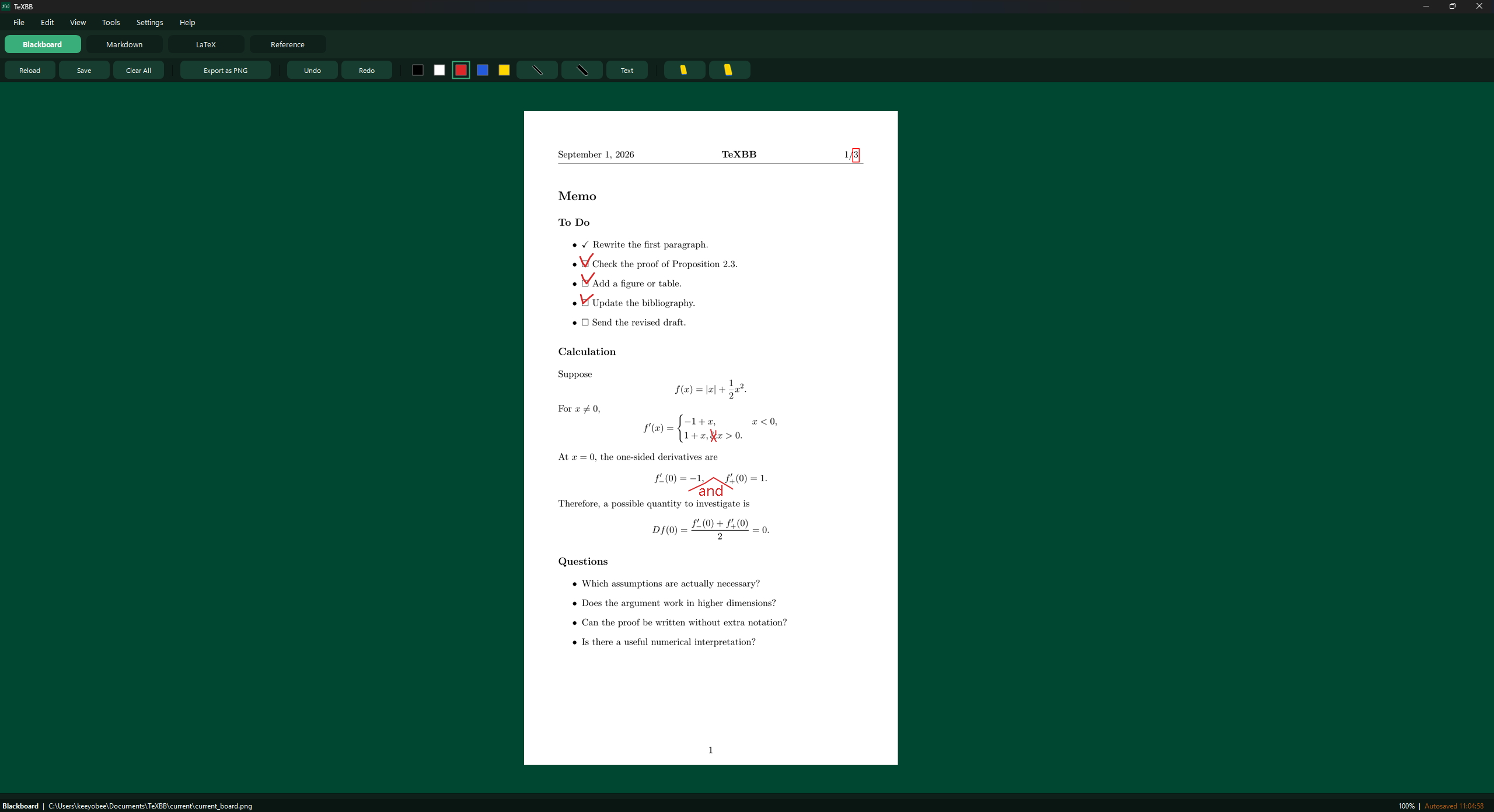
Simple Drawing mode
Android app
The TeXBB Android app is currently available through closed testing on Google Play.
To request access, email texbb@kiyuobjung.com and include the Google Account email address you use for Google Play. After adding your account to the tester list, we will reply with a link to join the test and install the app.
Your email address will be used only for test invitations and test-related communications. It will be retained for the duration of the closed test and deleted when the test ends or upon your request, unless retention is required by law. Please see our Privacy Policy for further information.
The Android app is optional. TeXBB for Windows can be used independently.
PC–Mobile Connection Guide
View synced documents on your Android phone with the optional companion app.
- STEP 1Download the TeXBB PC and mobile versions.
- STEP 2In the PC app, go to Settings → Mobile Viewer.

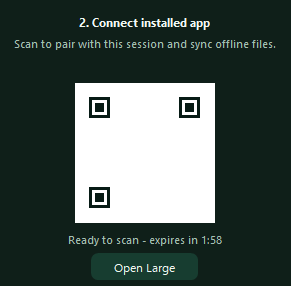
- STEP 3Turn on “Connect with phone.”

- STEP 4Scan the QR code or paste the address.